

Prerequisites
Before you connect, you must first do the following:- Connect a data source to your Connect AI account. See Sources for more information.
- Create a Workspace. Later, you will use the OData Service URL on that page (https://cloud.cdata.com/api/odata/{workspace\_name}) with the relevant workspace name to establish the connection.
- Generate a Personal Access Token (PAT) on the Settings page. Copy this down, as it acts as your password during authentication.
Connect to Connect AI
To establish a connection from SAP Analytics Cloud to Connect AI using the OData protocol, follow these steps.1
From the SAP Analytics Cloud dashboard, open the navigation menu and click Connections.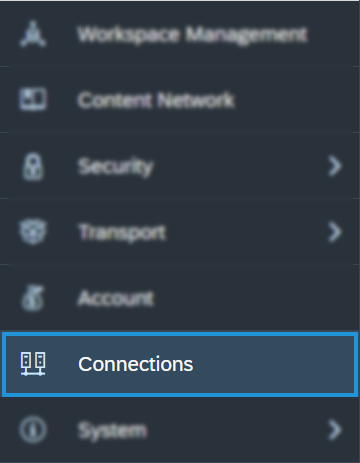
2
On the Connection page, click Add Connection.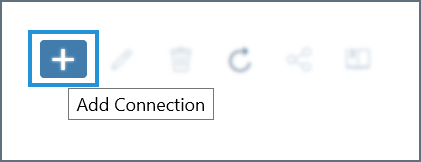
3
In the Select a data source dialog, type odata into the search bar and select OData Services. You can also find it listed under the Acquire Data category without searching.
4
Configure the connection: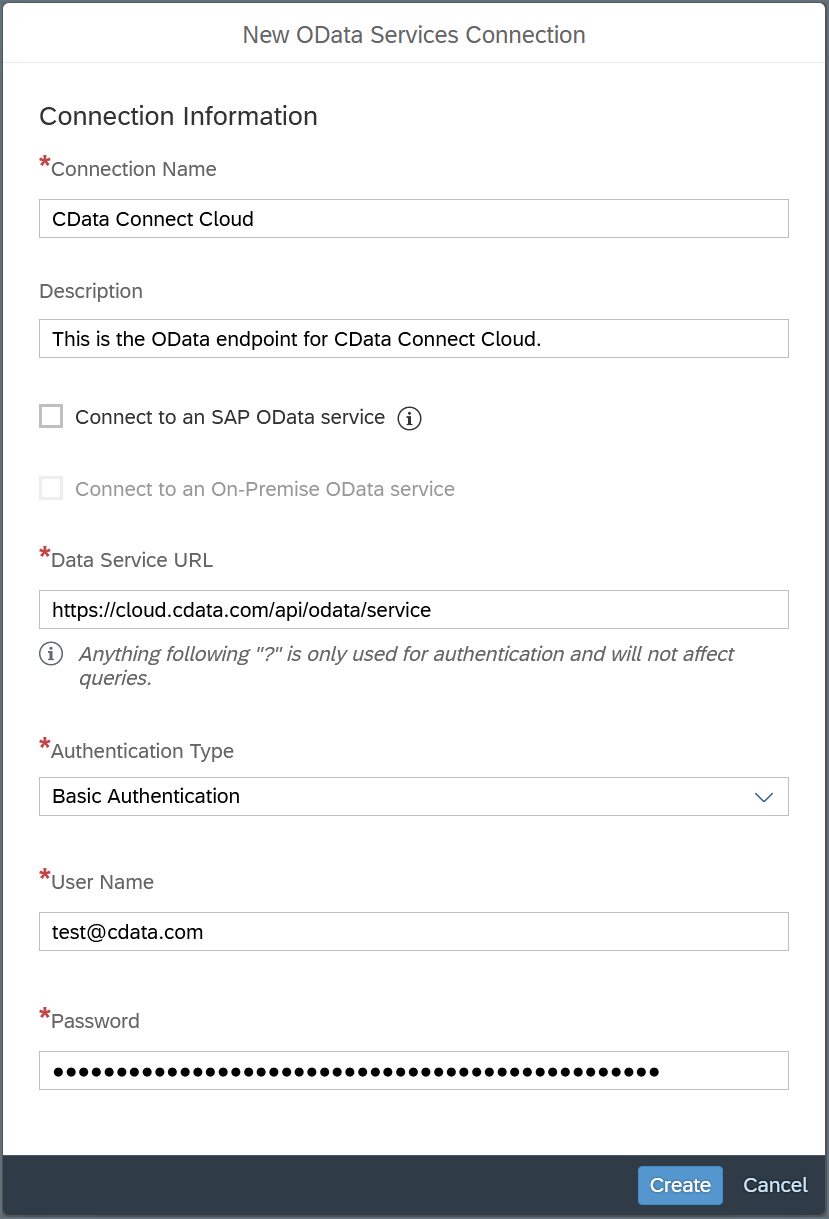
- Enter a Connection Name and, optionally, a Description.
- Data Service URL—enter https://cloud.cdata.com/api/odata/{workspace\_name}
- Authentication Type—select Basic Authentication.
- User Name—enter your Connect AI username. This is displayed in the top-right corner of the Connect AI interface. For example, test@cdata.com.
- Password—enter the PAT you generated on the Settings page.
5
Click Create to save the connection.
Query Your OData API
After establishing the connection to your Connect AI OData API, you can access it as a data source in SAP Analytics Cloud. Follow these steps to access it:1
In SAP Analytics Cloud, open the navigation menu and click Datasets or Modeler.
2
In the Create New section, click From a Data Source.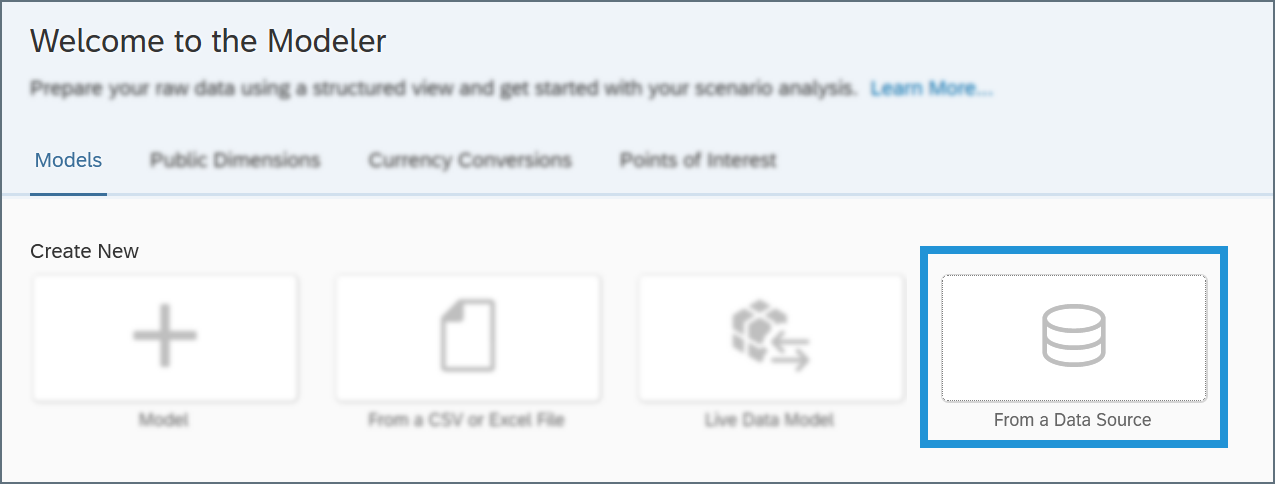
3
In the Select a data source dialog, select OData Services.
4
In the Connection drop-down menu, select the connection you created. If you are using the Modeler tab, select the Create a new query radio button.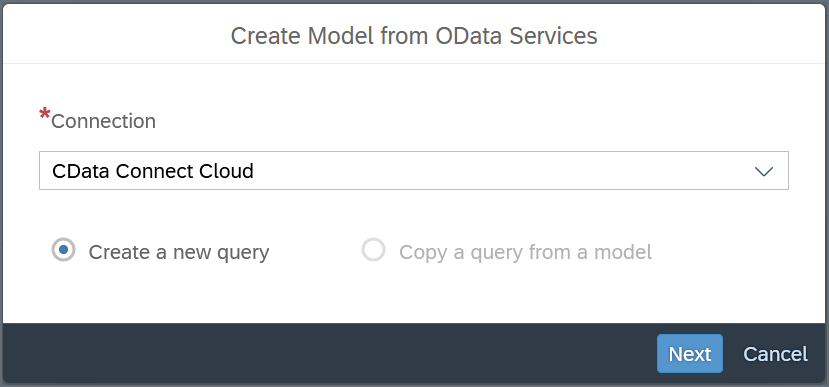
5
Click Next and build your query according to your needs.