

Prerequisites
Before you connect, you must first do the following:- Connect a data source to your Connect AI account. See Sources for more information.
- Generate a Personal Access Token (PAT) on the Settings page. Copy this down, as it acts as your password during authentication.
Connect to Connect AI
To establish a connection from Geckoboard to the Connect AI Virtual SQL Server API, follow these steps.1
Log in to Geckoboard.
2
Click Add widget.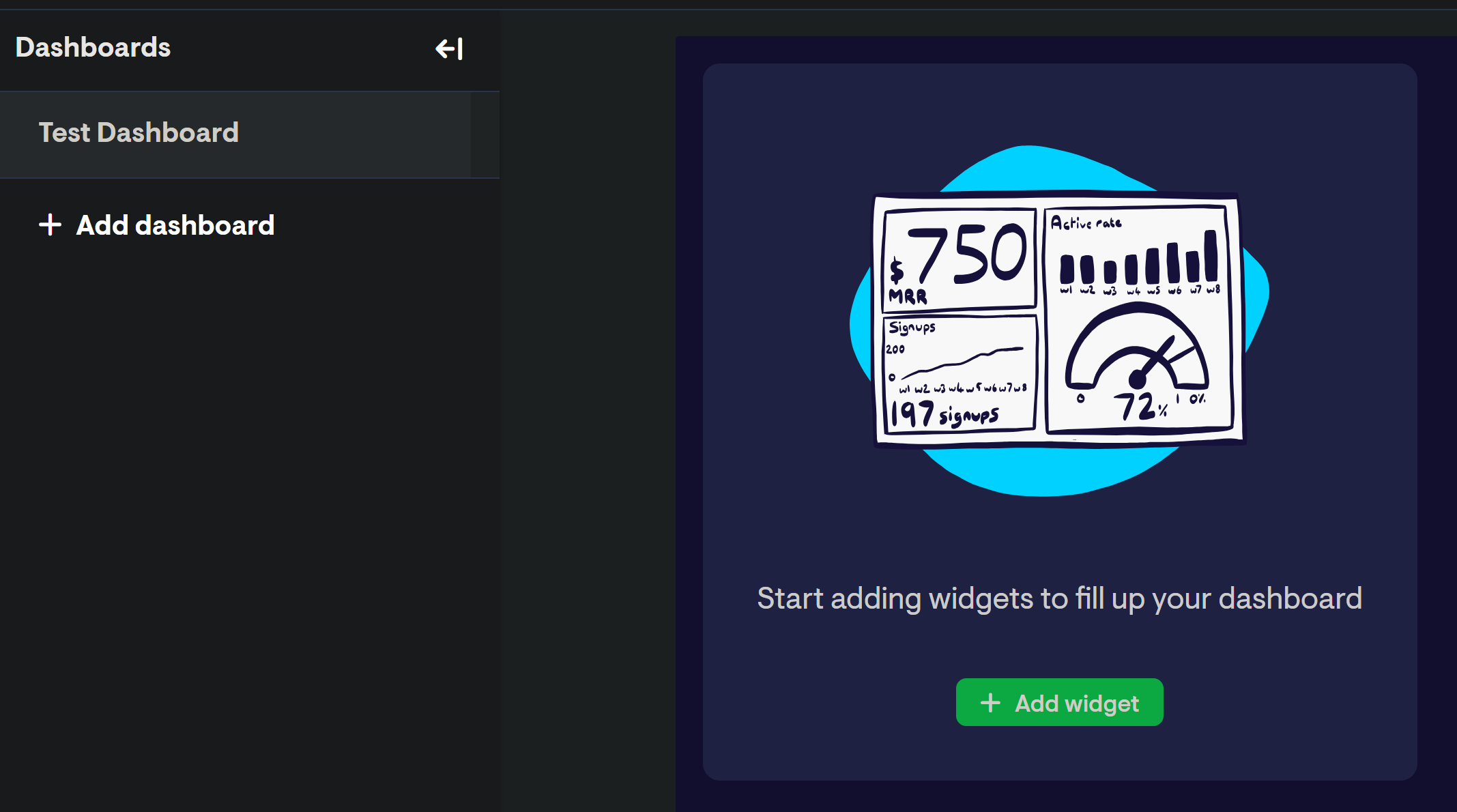
3
Search for “Databases” and click the resulting option.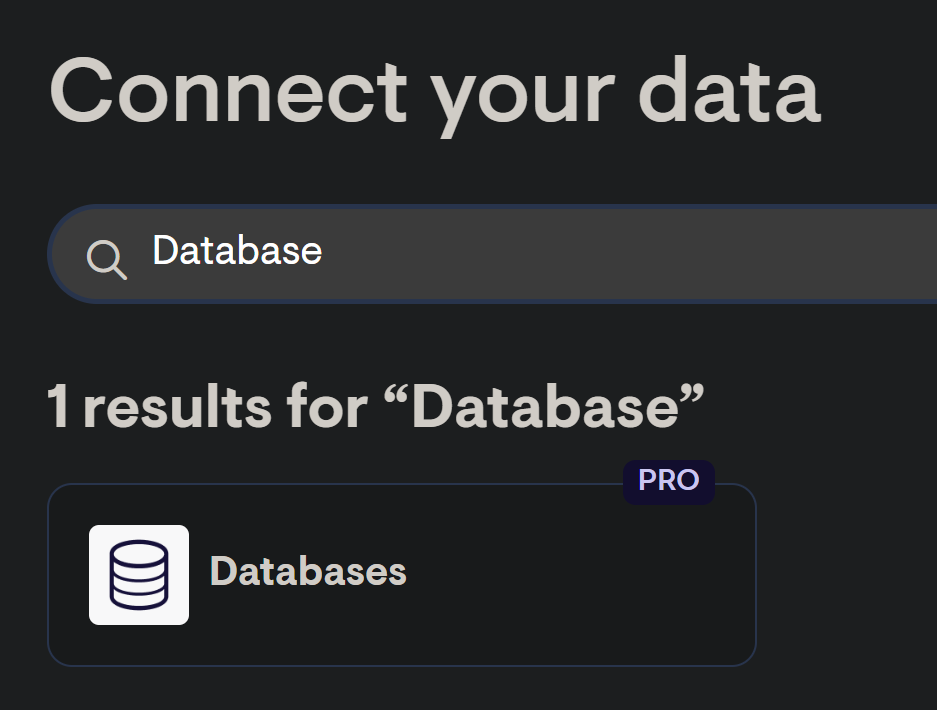
4
Select SQL Server as the database type.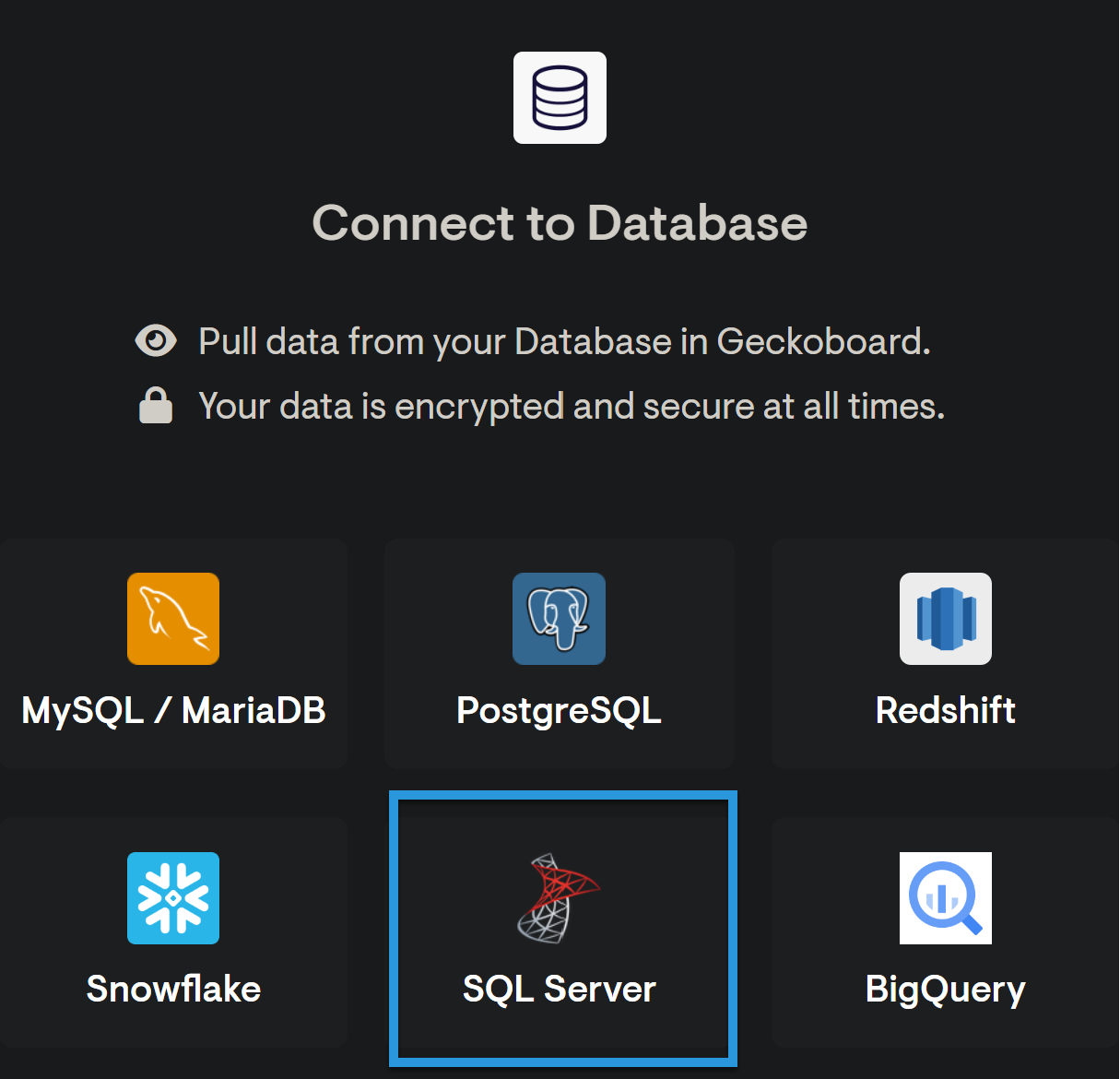
5
Fill in the connection details: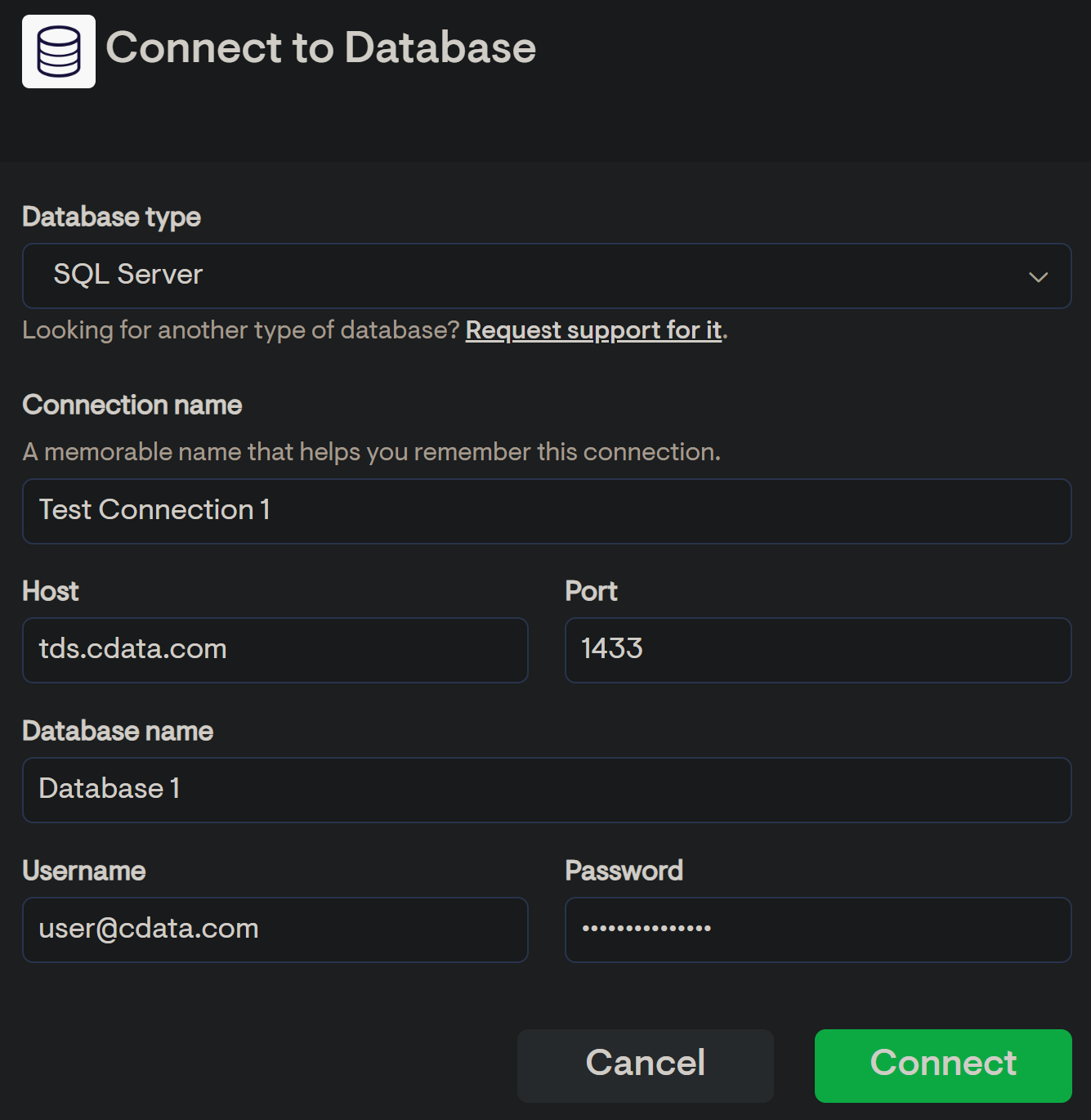
- Connection name—enter a name for the connection to Connect AI.
- Host—enter tds.cdata.com
- Port—enter 14333
- Database name—enter the Connection Name of the Connect AI data source you want to connect to (for example, Salesforce1).
- Username—enter your Connect AI username. This is displayed in the top-right corner of the Connect AI interface. For example, test@cdata.com.
- Password—enter the PAT you generated on the Settings page.
6
Click Connect.