Prerequisites
Before you can configure and use LangChain with Connect AI, you must first do the following:- Connect a data source to your Connect AI account. See Sources for more information.
- Generate a Personal Access Token (PAT) on the Settings page. Copy this down, as it acts as your password during authentication.
- Obtain an OpenAI API key: https://platform.openai.com/.
- Make sure you have Python >= 3.10 in order to install the LangChain and LangGraph packages.
Create the Python Files
1
Create a folder for LangChain MCP.
2
Create two Python files within the folder:
config.py and langchain.py.3
In
config.py, create a class Config to define your MCP server authentication and URL. You need to provide your Base64-encoded Connect AI username and PAT (obtained in the prerequisites):1
In
langchain.py, set up your MCP server and MCP client to call the tools and prompts:Install the LangChain and LangGraph Packages
Runpip install langchain-mcp-adapters langchain-openai langgraph in your project terminal.
Run the Python Script
1
When the installation finishes, run
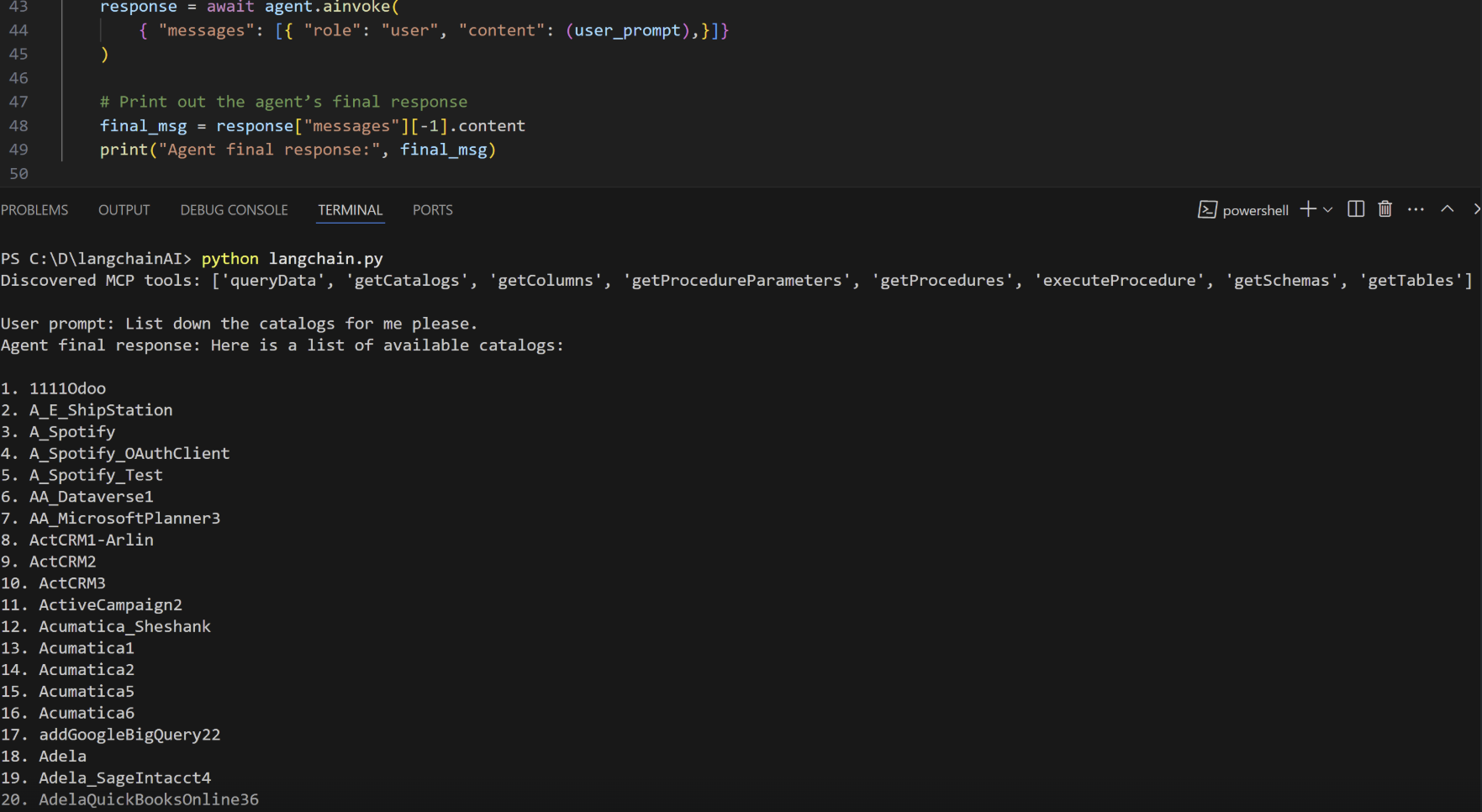
python langchain.py to execute the script.2
The script discovers the Connect AI MCP tools needed for the LLM to query the connected data.
3
Supply a prompt for the agent. The agent provides a response.