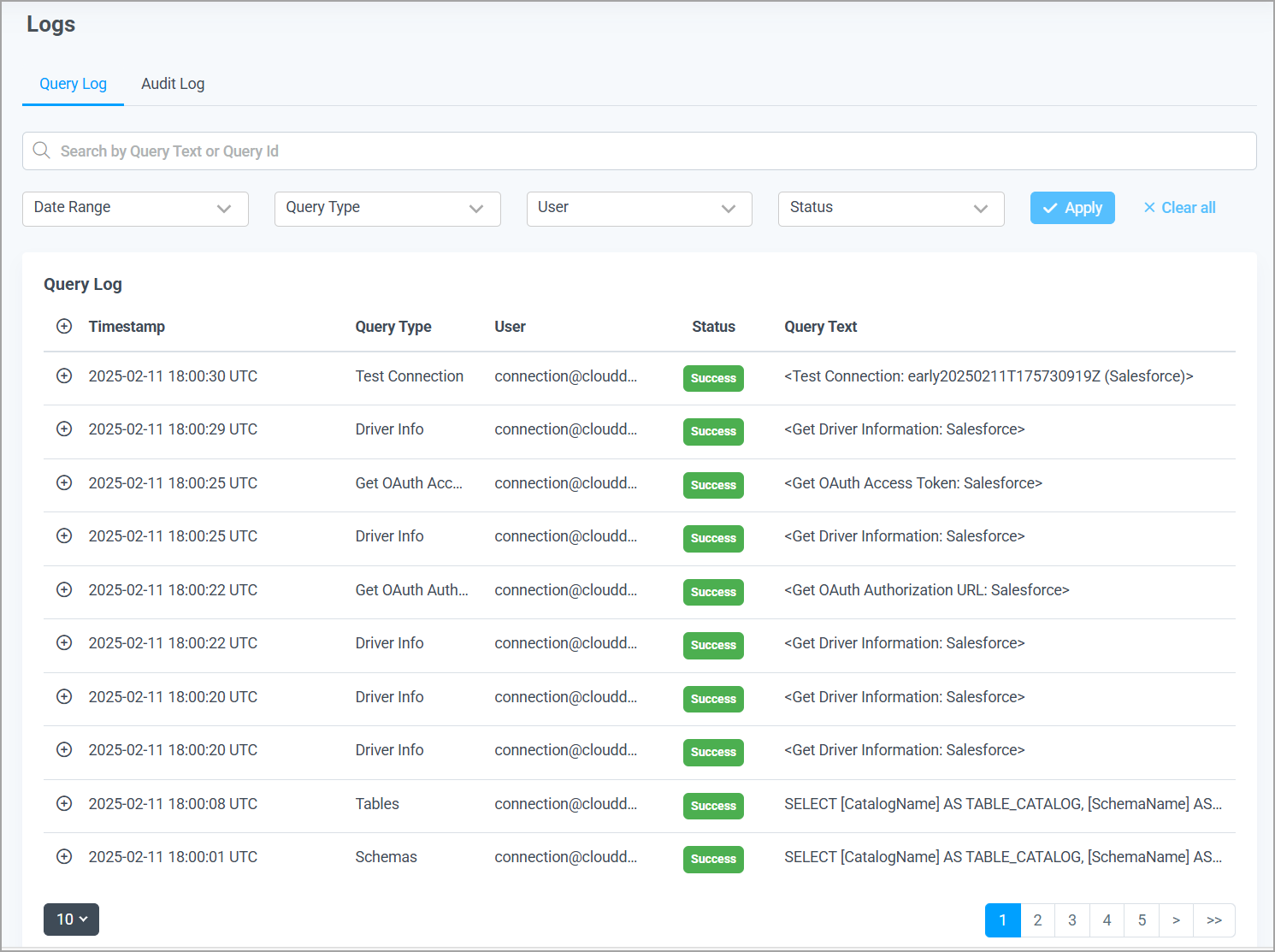
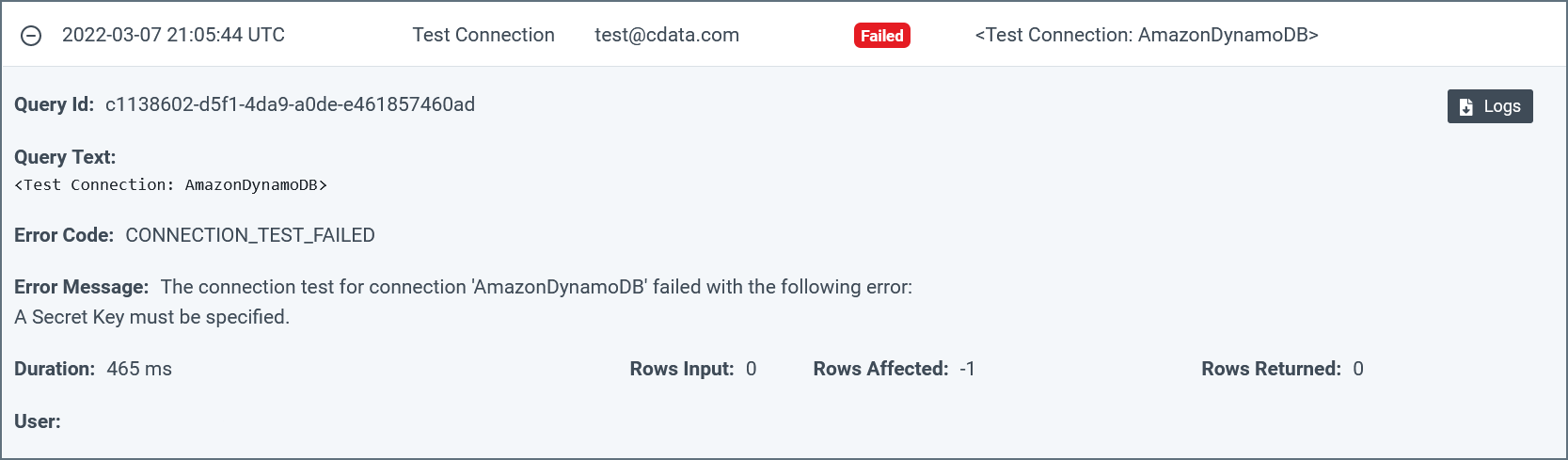
Clicking any query in the log expands the query and displays detailed information about it. The fields and contents can vary among queries of different types.
You can click the Logs button in a query details section to download a log file that contains details about the query. These log files are useful in troubleshooting errors that are related to issuing queries to Connect AI.
You can increase or decrease the logging verbosity for a connection on the Advanced Settings page for that connection. The default verbosity is 2. See Data Sources for more information.
Connect AI saves log files for seven days only. Log files older than seven days are deleted automatically.
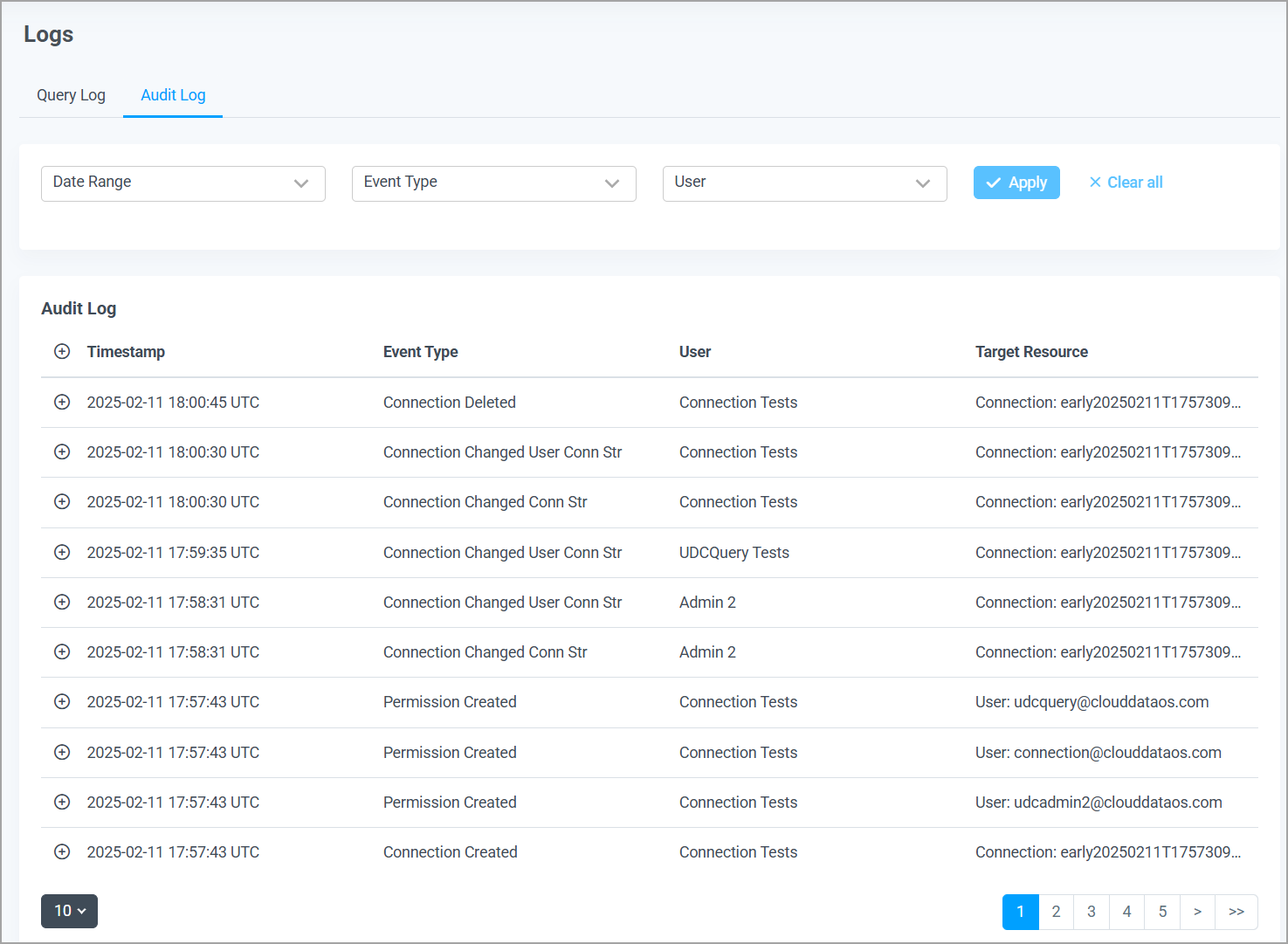
Clicking any entry in the audit log expands the entry and displays detailed information about it. The fields and content can vary among entries of different types. Some entries do not have any detailed information to display.